






 Salesforce ERP
 ERP + CRM Platform
  Inventory Management
  Warehouse Management
  Order Management
  Vendor Management
  Logistics Management
  BOM Management
  Order Fulfillment
  Business Operations
  SaaS Platform for Operations
  Salesforce Cloud ERP Platform
  Xero
Xero
 Zoho books
 Quickbooks
 Shopify
 Acumatica
 SAP
SAP
 Odoo
Odoo
 NetSuite
 Microsoft Dynamics 365
 Sage
Sage



 Agentforce Revenue Management
 Agentforce Revenue Management + Billing
  Salesforce CPQ
 Salesforce Advanced Billing
  Migrate from CPQ to ARM
  Managed Services
 Salesforce Implementation
 Revenue Cloud Implementation
 ServiceNow Consulting Services
 Zoho CRM implementation
 MuleSoft Integration
 Workato Integration
 Microsoft
 Data Cloud
 Tableau

 Header and Footer
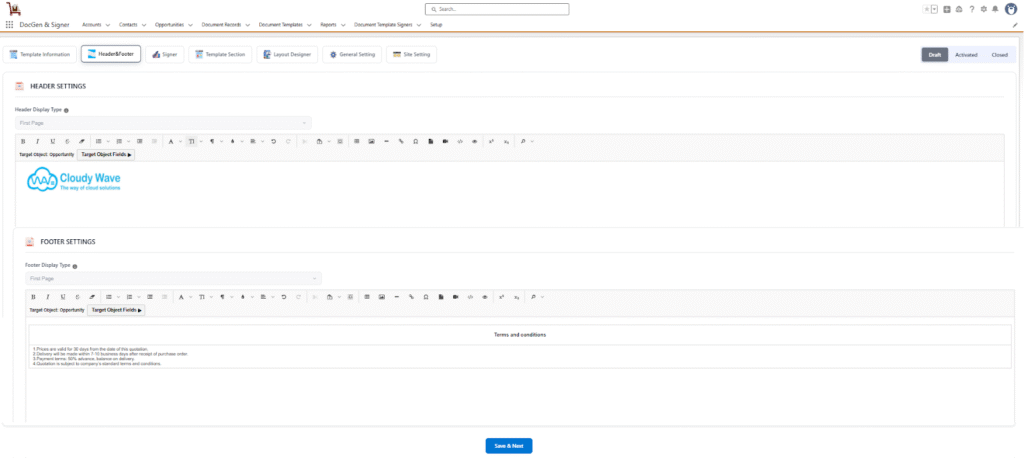
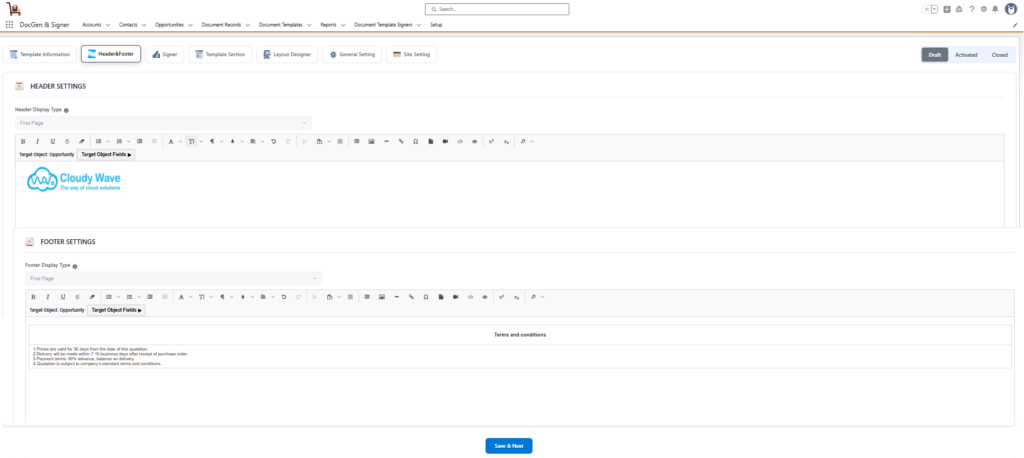
In the Header and Footer section, users can configure custom content that appears at the top and bottom of the generated document such as company logo, title as header and
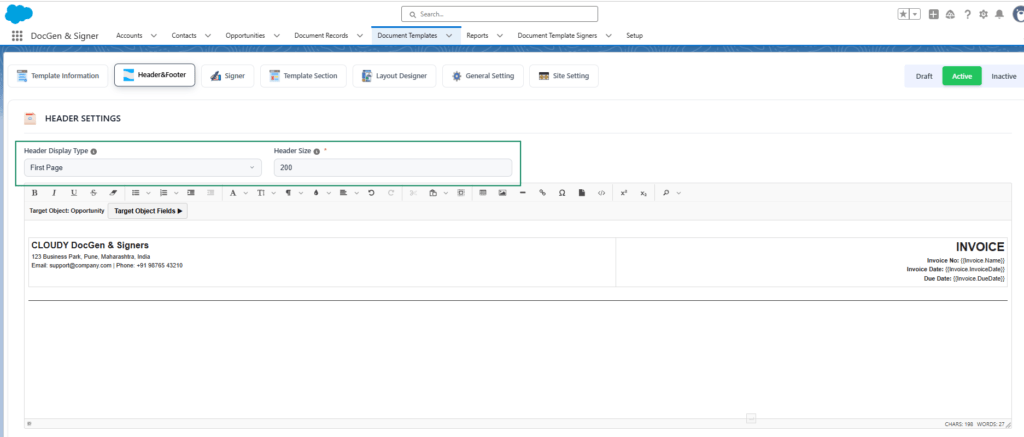
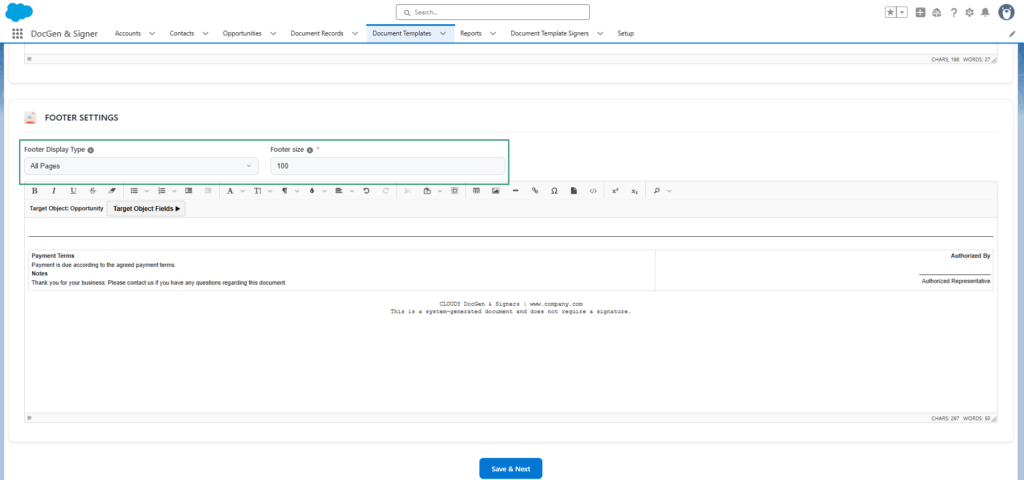
- Header & Footer Display Type → Choose where the header and footer should be displayed (e.g., First Page, All pages).
- Header and Footer Size → Enables users to define the size of the header and footer. The Header has a default size of 200 px, and the Footer has a default size of 100 px. Users can specify values up to a maximum of 500 px.

Note: Adding a header and footer is optional and can be customized based on user preferences. The Header and Footer fields support up to 100,000 characters.
After clicking Save and Next, you will be navigated to the Signer.
 SEE ALSO :
_____👉 Add signers
_____👉 Template section Creation