





 Salesforce ERP
 ERP + CRM Platform
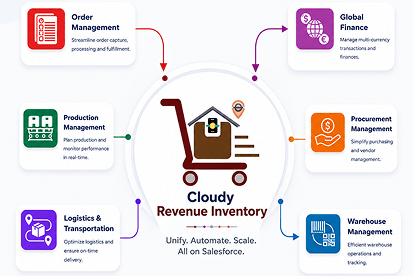
  Inventory Management
  Warehouse Management
  Order Management
  Vendor Management
  Logistics Management
  BOM Management
  Order Fulfillment
  Business Operations
  SaaS Platform for Operations
  Salesforce Cloud ERP Platform
  Xero
Xero
 Zoho books
 Quickbooks
 Shopify
 Acumatica
 SAP
SAP
 Odoo
Odoo
 NetSuite
 Microsoft Dynamics 365
 Sage
Sage



 Agentforce Revenue Management
 Agentforce Revenue Management + Billing
  Salesforce CPQ
 Salesforce Advanced Billing
  Migrate from CPQ to ARM
  Managed Services
 Salesforce Implementation
 Revenue Cloud Implementation
 ServiceNow Consulting Services
 Zoho CRM implementation
 MuleSoft Integration
 Workato Integration
 Microsoft
 Data Cloud
 Tableau

 Document Template Statuses
- Draft
- The default status when a template is first created or edited.
- Used to store incomplete templates or templates that need further configuration.
- If a template is edited and saved, its status automatically reverts to Draft, requiring re-activation before use.
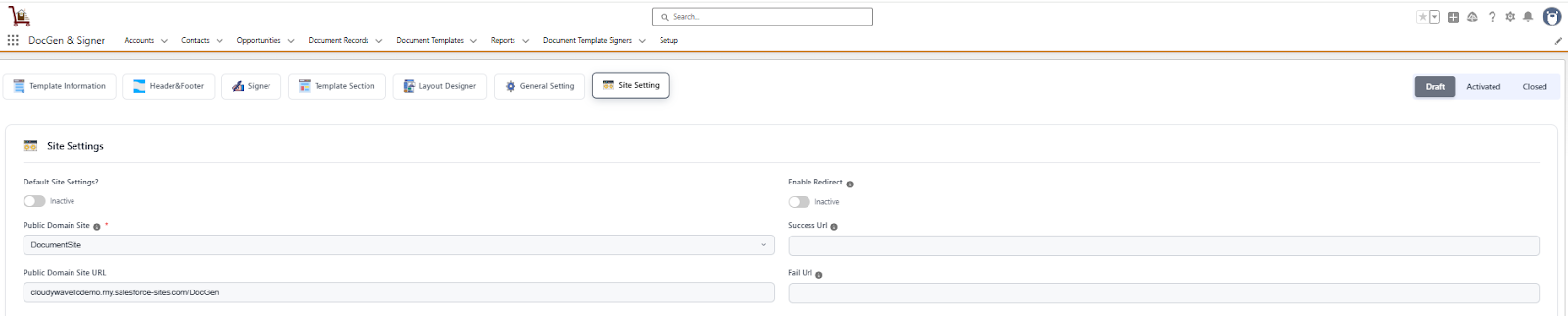
- The default status when a template is first created or edited.
- Active
- Indicates that the template is fully configured and ready for use.
- A template can only be activated if all required details are provided.
- Once activated, the template becomes available in the target object specified in the template and can be used directly for document generation.
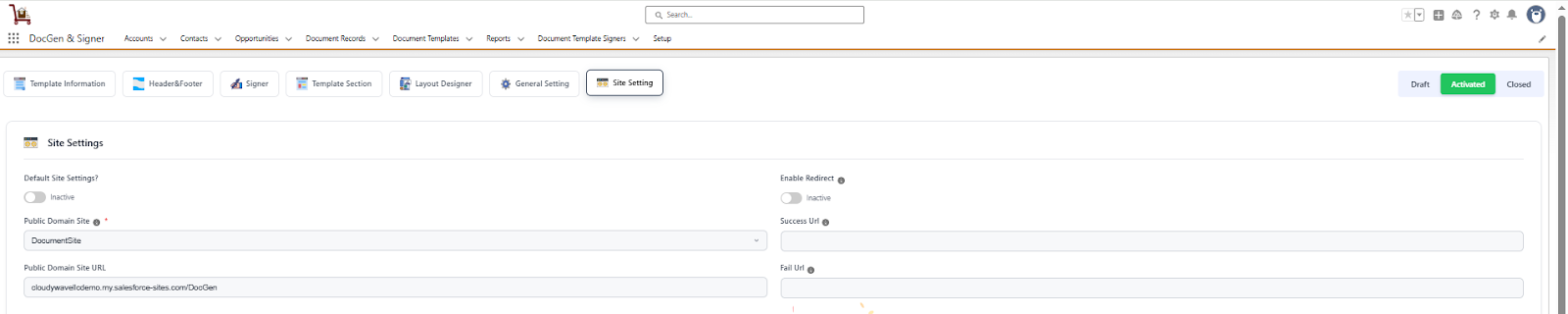
- Indicates that the template is fully configured and ready for use.
- Inactive
- Used to deactivate a template that should no longer be available for use.
- When a template is marked as Closed, it will not appear in the target object or be available for document generation.
- Useful for retiring outdated or obsolete templates while keeping their history for reference.
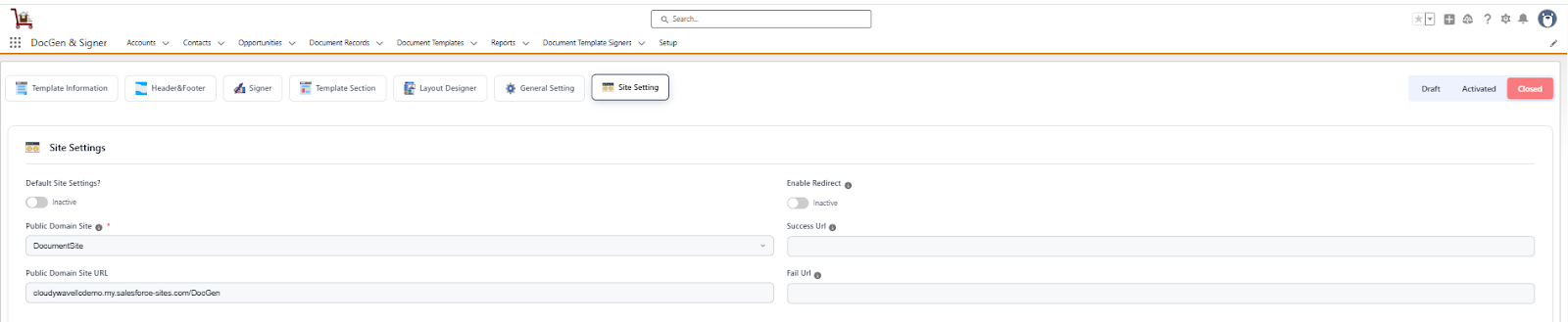
- Used to deactivate a template that should no longer be available for use.
 SEE ALSO :
____👉 Clone Document Template
____👉 Generate Document