Introduction
Supply chains today are more complex than they have ever been. A single customer order can touch half a dozen systems before it ever leaves the warehouse: a sales order in one platform, inventory data in another, a warehouse management tool for picking and packing, and a separate system to plan the actual shipment.
Businesses must coordinate:
- Sales
- Procurement
- Inventory
- Warehousing
- Manufacturing
- Transportation
- Customer delivery
When these functions live in disconnected systems, the cracks show up fast. Inventory counts drift out of sync. Freight costs creep upward because there’s no visibility into carrier options. Customers wait longer for shipping updates than they should, and support teams scramble to answer “where is my order?” questions with incomplete information.
This is where the pairing of an Enterprise Resource Planning (ERP) system and a Transportation Management System (TMS) becomes the foundation of modern supply chain execution. ERP manages the business side of an order — inventory, procurement, manufacturing, and finance. TMS manages the physical movement of goods — carrier selection, routing, and delivery tracking. When they’re connected, businesses get something neither system can deliver alone: a single, real-time view of an order from the moment it’s placed to the moment it’s delivered.
What Is Supply Chain Execution?
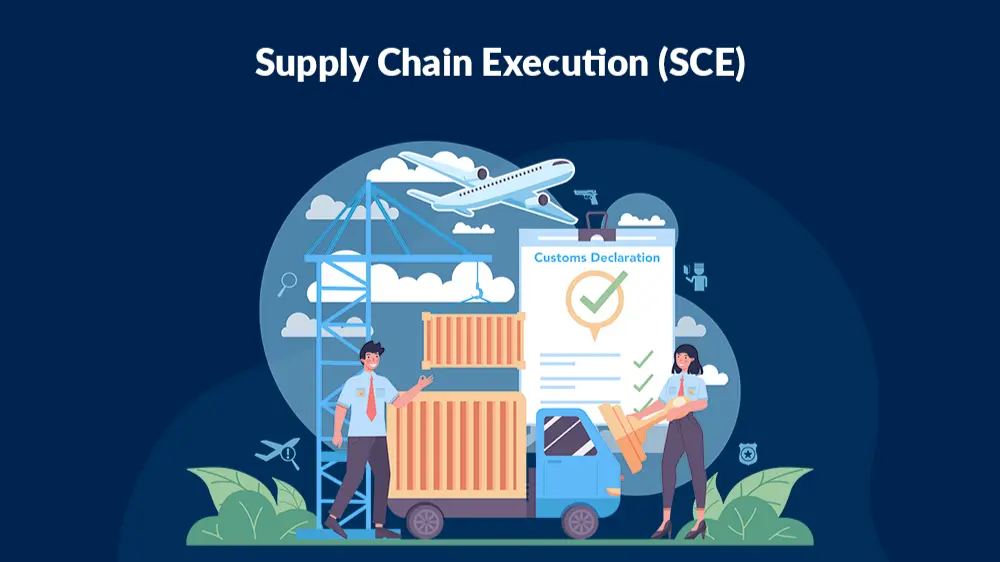
Supply chain execution is the set of real-time operational activities that turn a plan into a delivered product. Where supply chain planning answers questions like “how much should we produce next quarter?”, supply chain execution answers “what happens right now, to this specific order?”
Execution covers:
- Order fulfillment
- Inventory movement
- Warehouse picking and packing
- Shipping and carrier coordination
- Final-mile delivery
Supply Chain Planning vs. Supply Chain Execution
| Focus | Supply Chain Planning | Supply Chain Execution |
|---|
| Time horizon | Weeks to years | Minutes to days |
| Core question | What should happen? | What is happening right now? |
| Example activity | Demand forecasting | Picking and shipping an order |
| Owned by | Planning/S&OP teams | Warehouse, logistics, operations teams |
A simple execution workflow looks like this:
Order Received → Inventory Checked → Order Picked →
Order Packed → Shipment Created → Carrier Assigned →
In Transit → Delivered → Order Closed
Every step in that chain depends on accurate, shared data. That’s where ERP and TMS each play a distinct — and complementary — role.
What Is ERP?
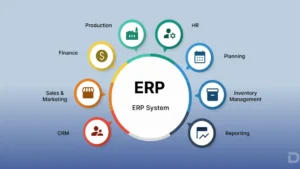
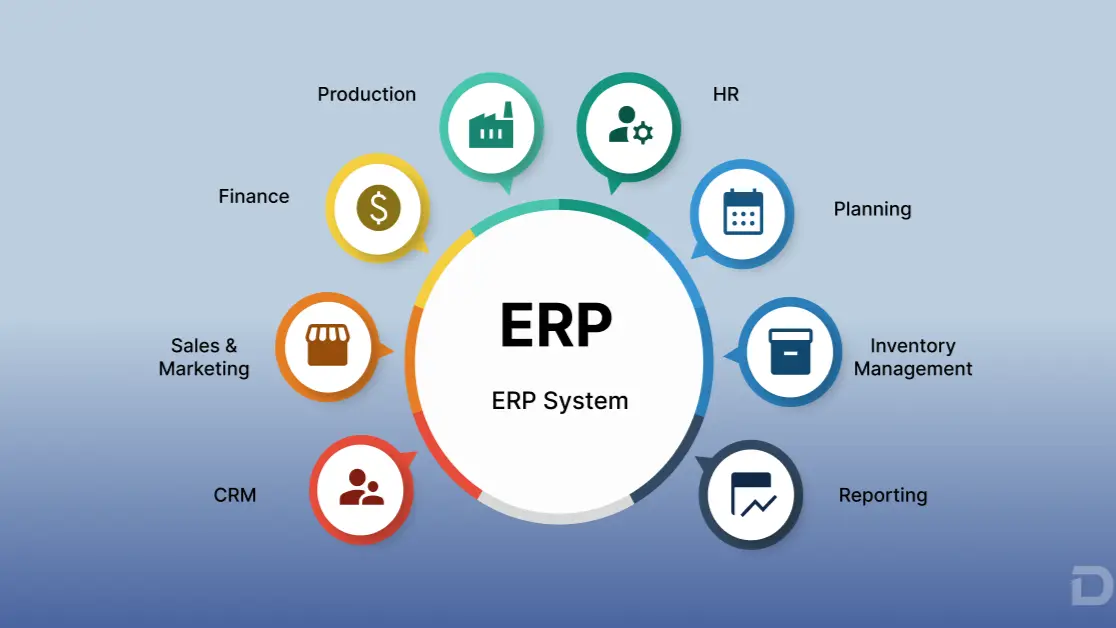
An Enterprise Resource Planning (ERP) system is the operational backbone of a business. It’s the system of record for the core transactions that keep a company running.
ERP typically manages:
- Sales Orders — capturing and processing customer orders
- Procurement — purchasing raw materials or finished goods
- Inventory — tracking stock levels across locations
- Warehouse — managing bins, pick lists, and stock movement
- Manufacturing — production schedules, work orders, and bills of materials
- Finance — invoicing, accounts receivable, and revenue recognition
- Customer Management — order history and account data
- Reporting — dashboards and operational analytics
ERP tells a business what it has, what it owes, and what it has committed to deliver. It’s the source of truth for inventory levels, order status, and financial data. But ERP was never designed to answer highly specialized transportation questions like which carrier offers the best rate for a specific lane, or how to optimize a multi-stop delivery route. That’s the job of a TMS.
What Is a Transportation Management System (TMS)?
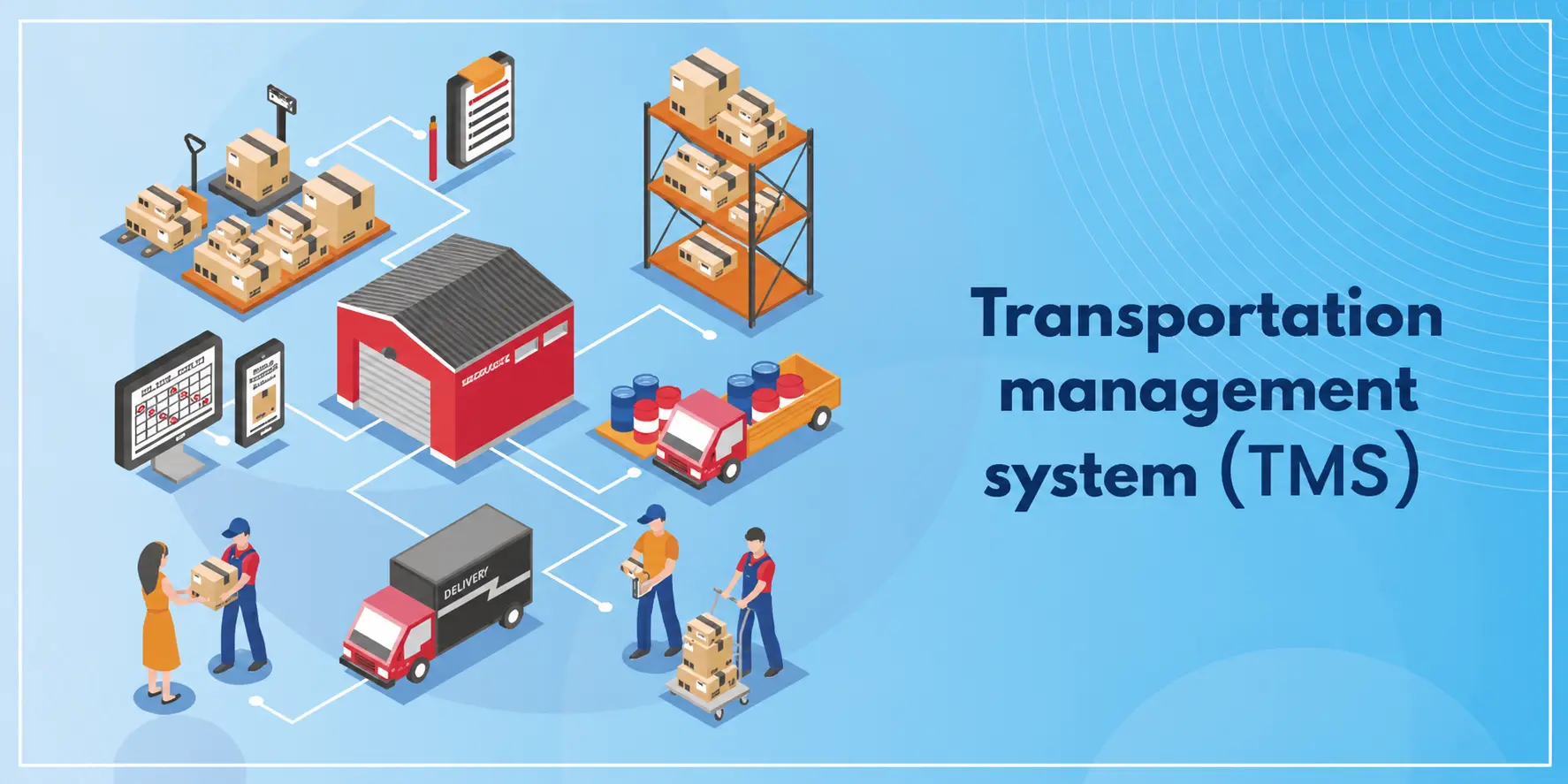
A Transportation Management System (TMS) is purpose-built software for planning, executing, and optimizing the physical movement of goods.
Core TMS capabilities include:
- Carrier Selection — comparing carriers by cost, service level, and availability
- Route Optimization — calculating the most efficient delivery routes
- Freight Planning — consolidating shipments to reduce cost
- Shipment Tracking — providing real-time location and status updates
- Freight Auditing — verifying that billed freight charges match agreed rates
- Load Optimization — maximizing capacity utilization per shipment
- Delivery Scheduling — coordinating pickup and delivery windows
- Freight Cost Analysis — comparing transportation spend over time
- Proof of Delivery — confirming and documenting successful delivery
A TMS sits at the transportation stage of the logistics lifecycle — after an order has been picked and packed, and before it reaches the customer’s door. It specializes in the mechanics of getting goods from point A to point B as efficiently as possible.
ERP vs TMS – What’s the Difference?
Both systems play a role in fulfilling an order, but they specialize in very different parts of the process.
| Capability | ERP | TMS |
|---|
| Inventory | ✅ Core function | ❌ Not managed |
| Sales Orders | ✅ Core function | ❌ Not managed |
| Procurement | ✅ Core function | ❌ Not managed |
| Warehouse | ✅ Core function | ⚠️ Limited visibility |
| Transportation Planning | ⚠️ Limited or none | ✅ Core function |
| Carrier Selection | ❌ Not managed | ✅ Core function |
| Route Optimization | ❌ Not managed | ✅ Core function |
| Freight Costing | ⚠️ Limited | ✅ Core function |
| Shipment Tracking | ⚠️ Limited | ✅ Core function |
| Customer Billing | ✅ Core function | ❌ Not managed |
| Financial Reporting | ✅ Core function | ❌ Not managed |
Neither system is a substitute for the other. ERP owns the business transaction — the order, the inventory commitment, the invoice. TMS owns the physical execution of shipping that order. Businesses that try to run logistics through ERP alone lose access to carrier optimization and route planning. Businesses that run TMS without ERP integration lose the inventory and financial context needed to make smart shipping decisions. Real supply chain execution requires both, working from the same data.
How ERP and TMS Work Together
When ERP and TMS are integrated, an order flows through a single connected process rather than a series of manual handoffs.
Customer Order
     ↓
ERP Creates Sales Order
     ↓
Inventory Check
     ↓
Warehouse Picking
     ↓
Shipment Ready
     ↓
ERP Sends Shipment Data to TMS
     ↓
TMS Selects Carrier
     ↓
TMS Optimizes Route
     ↓
Shipment Tracking
     ↓
Delivery Confirmation
     ↓
ERP Updates Order Status
     ↓
Invoice Generated
Step by step, this looks like:
- Order creation. A customer places an order, and ERP generates a sales order record.
- Inventory check. ERP verifies stock availability across warehouses and reserves the items.
- Warehouse picking. Warehouse staff pick and pack the order based on ERP-generated instructions.
- Shipment handoff. Once the order is packed, ERP passes shipment details — weight, dimensions, destination, and service level — to the TMS.
- Carrier selection. TMS compares available carriers and selects the most cost-effective or fastest option based on business rules.
- Route optimization. TMS calculates the most efficient route, especially important for multi-stop or last-mile deliveries.
- Tracking. TMS provides real-time shipment tracking, often shared back with the customer through ERP-connected notifications.
- Delivery confirmation. Once delivered, TMS sends proof-of-delivery data back to ERP.
- Order closure and invoicing. ERP updates the order status and generates the customer invoice, closing the loop between operations and finance.
Without integration, most of these handoffs happen manually — through spreadsheets, emails, or duplicate data entry. With integration, they happen automatically, in real time.
Benefits of ERP and TMS Integration
End-to-End Visibility
Integration gives every team — sales, warehouse, finance, and customer service — a shared view of order status, inventory levels, and shipment location, all from the same underlying data.
Lower Transportation Costs
Connected systems make it possible to compare carriers, consolidate loads, and optimize routes using live inventory and order data, rather than static spreadsheets.
Faster Order Fulfillment
Automated workflows eliminate manual re-entry of order and shipment data, cutting the time between “order placed” and “order shipped.”
Better Inventory Accuracy
Real-time inventory updates, synchronized with warehouse activity, reduce the risk of overselling or stockouts.
Improved Customer Experience
Automatic shipment notifications, accurate delivery estimates, and faster issue resolution all stem from having connected, real-time data.
Better Decision-Making
Real-time dashboards combining transportation KPIs, inventory KPIs, and logistics analytics help leaders spot problems — and opportunities — before they become costly.
Common Challenges Without ERP-TMS Integration
| Challenge | Impact | How Integration Helps |
|---|
| Duplicate data entry | Wasted time, higher error rates | Shipment data flows automatically between systems |
| Manual shipping processes | Slower fulfillment | Carrier and route selection happen automatically |
| Inventory inaccuracies | Overselling, stockouts | Inventory updates sync in real time |
| Shipping delays | Missed delivery windows | Automated carrier and route assignment |
| Higher freight costs | Reduced margins | Rate comparison and load optimization |
| Poor visibility | Reactive customer service | Shared, real-time order and shipment status |
| Customer complaints | Lower satisfaction, churn risk | Proactive tracking notifications |
| Reporting inconsistencies | Unreliable KPIs | Single source of truth across operations |
Why Salesforce-Native ERP Improves Supply Chain Execution
Most ERP-TMS integrations rely on middleware — a layer of custom code or third-party connectors that shuttles data back and forth between two separate systems. Middleware works, but it introduces latency, synchronization delays, and additional points of failure. Every extra hop between systems is an opportunity for data to go stale or out of sync.
A Salesforce-native ERP like Cloudy Business Ops 360 takes a different approach. Because it’s built directly on the Salesforce Platform, it shares the same data model, security model, and metadata layer as Salesforce CRM, rather than syncing data between separate databases.
This unified architecture enables:
- Unified operational data — inventory, orders, procurement, and manufacturing data live alongside customer and sales data
- Native Salesforce architecture — no external database or middleware layer required
- Inventory visibility — real-time stock data accessible to sales, service, and operations teams alike
- Warehouse management — picking, packing, and fulfillment tracked on the same platform as the customer record
- Procurement and manufacturing — purchasing and production data connected to sales demand
- Finance — invoicing and revenue data tied directly to order and shipment records
- CRM integration — a single customer view spanning sales, service, and fulfillment
- AI readiness — operational data structured for AI agents like Agentforce to reason across
- Seamless TMS connectivity — shipment data can be shared with transportation partners without duplicating records across disconnected systems
The result is a supply chain where operational and customer data live on a single platform, rather than being stitched together after the fact.
Real-World Example
Consider a mid-sized manufacturing company that receives an online order for a custom industrial part.
ERP handles the order:
- Checks inventory across warehouses
- Reserves the required stock
- Generates a pick list for the warehouse team
- Updates the finance system with the pending order value
TMS handles the shipment:
- Compares carriers to find the lowest-cost option that meets the delivery deadline
- Schedules the pickup and calculates the optimal delivery route
- Tracks the shipment in real time
- Returns proof of delivery once the part arrives
ERP closes the loop:
- Updates the customer with delivery confirmation
- Generates the final invoice
- Reports shipment cost and delivery time as part of ongoing logistics KPIs
Every step happens without manual re-entry, because inventory, order, and shipment data all reference the same underlying records.
Best Practices for ERP-TMS Integration
- Standardize master data. Keep product, customer, and location data consistent across systems to avoid mismatches.
- Automate order workflows. Reduce manual touchpoints between order creation and shipment handoff.
- Enable API integrations. Use well-documented APIs to keep ERP and TMS data synchronized in near real time.
- Monitor logistics KPIs. Track on-time delivery rate, freight cost per shipment, and order cycle time consistently.
- Use real-time dashboards. Give operations and leadership teams shared visibility into inventory and shipment status.
- Train warehouse teams. Ensure staff understand how system data connects to physical picking and packing workflows.
- Integrate inventory updates. Make sure stock levels reflect shipment activity the moment it happens, not at the end of the day.
- Track carrier performance. Regularly review carrier reliability and cost data to inform future carrier selection.
Conclusion
Modern supply chains depend on real-time coordination across inventory, warehouses, transportation, and customer service. An ERP manages business operations, while a TMS optimizes transportation. Together, they create a connected supply chain that improves visibility, reduces costs, and enhances customer satisfaction.
Organizations adopting a Salesforce-native ERP such as Cloudy Business Ops 360, combined with a robust TMS, are better positioned to build resilient, data-driven, and AI-ready supply chains — where operational data isn’t scattered across disconnected systems, but available in real time to the people and technology that need it.
Take the next step: Evaluate your current supply chain architecture. Where does your inventory, order, and shipment data actually live — and how many systems does it have to travel through before your team can act on it? The businesses that answer that question clearly today will be the ones best equipped to compete on speed and service tomorrow.







 Salesforce ERP
 ERP + CRM Platform
  Inventory Management
  Warehouse Management
  Order Management
  Vendor Management
  Logistics Management
  BOM Management
  Order Fulfillment
  Business Operations
  SaaS Platform for Operations
  Salesforce Cloud ERP Platform
  Xero
Xero
 Zoho books
 Quickbooks
 Shopify
 Acumatica
 SAP
SAP
 Odoo
Odoo
 NetSuite
 Microsoft Dynamics 365
 Sage
Sage



 Agentforce Revenue Management
 Agentforce Revenue Management + Billing
  Salesforce CPQ
 Salesforce Advanced Billing
  Migrate from CPQ to ARM
  Managed Services
 Salesforce Implementation
 Revenue Cloud Implementation
 ServiceNow Consulting Services
 Zoho CRM implementation
 MuleSoft Integration
 Workato Integration
 Microsoft
 Data Cloud
 Tableau

 ·
July 27, 2026
·
10 min read
·
July 27, 2026
·
10 min read