You sent the survey. Hundreds of people replied. So why is that gold-mine of feedback sitting in a spreadsheet your sales team will never open?
This is the silent tax of disconnected data. According to Forrester research, employees waste roughly 12 hours a week chasing information scattered across systems. MuleSoft’s 2025 Connectivity Benchmark found the average organization runs 897 applications, yet only 29% are integrated. The other 71% are islands – and your survey responses are often stranded on one of them.
The fix isn’t another standalone survey app. It’s choosing the best tools for merging surveys, forms, and Salesforce insights into one connected view. When feedback flows straight into your CRM, a detractor’s low NPS score can trigger a save-the-account task before they churn. That’s the difference between collecting data and actually using it.
This guide breaks down what to look for, the native-vs-connector divide, and the platforms leading the pack in 2026.
Why Merging Survey and Form Data With Salesforce Matters
Surveys, web forms, and CRM records each tell part of a customer’s story. Apart, they’re fragments. Together, they’re a 360-degree view.
The cost of keeping them apart is real and measurable:
- Gartner estimates poor data quality costs organizations an average of $12.9 million per year.
- Salesforce research pegs the productivity drain from data silos at roughly $7.8 million annually for affected companies.
- IDC analysis suggests siloed or incorrect data can erode up to 30% of operational efficiency.
When you invest in the best tools for merging surveys and forms with Salesforce, you turn raw responses into action: enriched contact records, automated follow-up, and dashboards every team can trust.
What “Merging” Really Means
True data unification goes beyond exporting a CSV. The best tools for merging surveys with Salesforce should:
- Map responses to objects — land feedback on the right Contact, Case, or Account, not a generic table.
- Sync in real time — no overnight batch delays.
- Trigger workflows — fire automations the moment a response arrives.
- Enrich existing records — update fields, not just create duplicates.
The Native vs. Connector Divide
The single most important decision when comparing survey and form tools is how they connect to Salesforce.
Native Salesforce Apps
A native app is built inside Salesforce, sharing its data model, security, and interface. Responses live in your org from the moment they’re submitted — no middleware, no sync errors, no data leaving your environment. For teams that want everything in one place with no external vendor, native is the gold standard.
Connector-Based Platforms
Connector tools are external survey platforms that push data into Salesforce via API. Many are powerful and offer channels native tools lack (WhatsApp, SMS, public links). But, as multiple 2026 reviews note, connectors can introduce data lag, mapping breakage, and ongoing admin maintenance — the very silos you’re trying to eliminate.
A timely warning: GetFeedback Direct is scheduled to shut down on December 31, 2026, and Delighted is also sunsetting. Teams relying on these need a migration plan now — and many are using the moment to switch to deeper native integration.
How to Choose the Best Tools for Merging Surveys and Forms
Use these five criteria to cut through the 100+ survey and form apps on Salesforce AppExchange (now AgentExchange):
- Integration depth — native embedding vs. basic API sync.
- Object mapping — can it write to any standard and custom object?
- Automation — survey-triggered workflows, alerts, and closed-loop actions.
- Channel coverage — email, web, in-app, SMS, and beyond.
- Total cost — license plus integration plus maintenance time.
Build vs. Buy: A Quick Reality Check
Salesforce offers native form and survey building, but its design flexibility and logic are limited — typical for a CRM. That’s why most teams turn to purpose-built apps. The right one balances no-code ease with genuine Salesforce depth.
The Best Tools for Merging Surveys, Forms, and Salesforce Insights
Below are the standout platforms in 2026, starting with our top all-in-one native pick.
🏆 Editor’s Choice: Cloudy Survey & Form — Best Native No-Code Suite
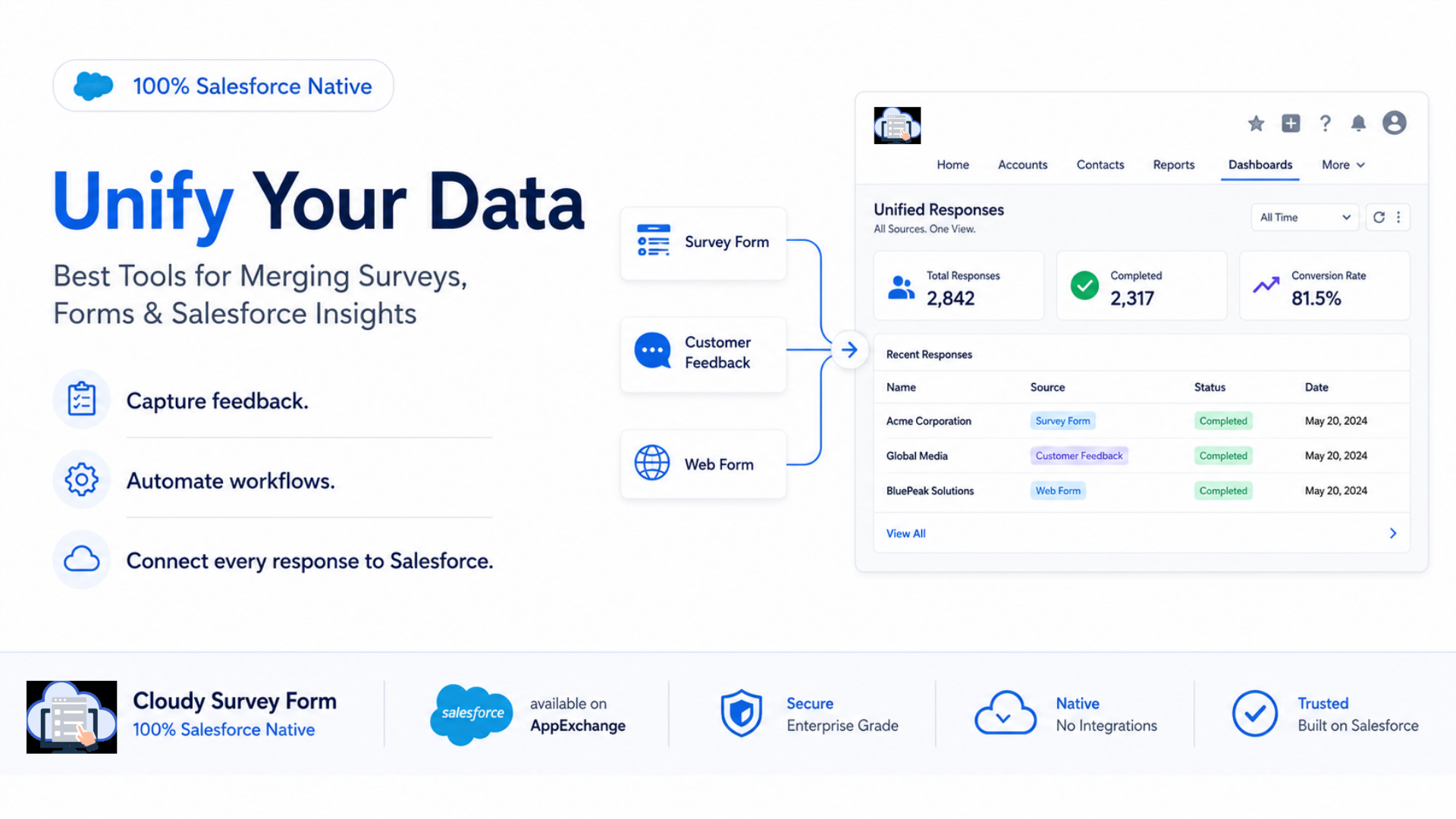
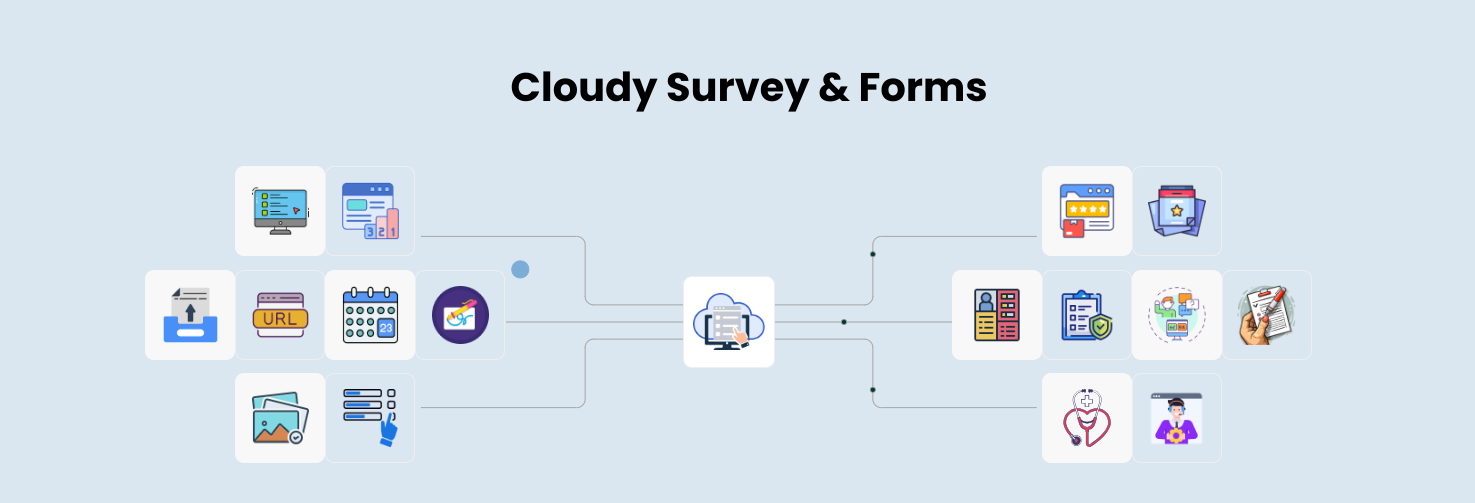
Cloudy Survey & Form by Cloudy Wave is a powerful, no-code application built directly inside your Salesforce environment — making it one of the best tools for merging surveys and forms with live CRM data.
Why it leads:
- 100% native integration — responses map automatically to Salesforce records, so there’s no exporting, no syncing, and no silos.
- Smart drag-and-drop design — build everything from simple NPS surveys to complex compliance forms with conditional logic, no developer required.
- Actionable insights — responses become real-time analytics and immediate business intelligence the moment they land.
- Built by certified experts — Cloudy Wave is a certified Salesforce ISV and Consulting Partner with 10+ years of experience and 80+ global clients.
Because it’s native, your sales, service, and ops teams all work from a single source of truth — exactly what merging survey, form, and Salesforce data is supposed to deliver.
Best for: Teams that want feedback and form data unified inside Salesforce, with no external vendor and no integration upkeep.
The platforms below are strong, focused alternatives. Here’s how each compares.
1. SurveyVista — Best Pure-Native CX Survey Tool
SurveyVista is a 100% Salesforce-native survey and form solution with real-time syncing, AI-powered sentiment analysis, and multi-channel notifications (email, SMS, Slack). It has signed 300+ customers and delivered tens of millions of surveys.
- Best for: CX teams wanting native surveys with AI analytics.
- Watch-out: As a purely native app, it’s less suited to distributing surveys far outside the Salesforce ecosystem.
2. FormAssembly — Best Enterprise Web Forms
Used by more than 4,000 organizations, FormAssembly is a drag-and-drop web form builder that connects to any Salesforce object, including custom objects, with 40+ question types and strong compliance support for healthcare and finance.
- Best for: Regulated industries needing robust, compliant data collection.
3. Formstack — Best No-Code Form + Document Suite
Formstack offers a native Salesforce form builder that connects surveys to standard or custom objects without leaving the platform. It supports dynamic prefill, record creation, and updates, plus document generation and eSignature.
- Best for: Teams digitizing manual processes across departments.
- Watch-out: Its survey depth is lighter than dedicated CX platforms.
4. Qualtrics — Best Enterprise Experience Management
Qualtrics is a leading experience-management platform, ideal for event-triggered CX programs and advanced research. It excels at sophisticated analytics.
- Watch-out: It has no native Salesforce integration — it relies on a connector — and sits at a premium enterprise price point.
5. Jotform — Best Free Starting Point
Jotform is a popular form builder on AppExchange with 2,000+ templates, conditional logic, and a functional free tier that routes responses to Salesforce fields.
- Best for: Small teams testing the waters before committing budget.
- Watch-out: Its Salesforce connection is shallower than native apps.
Comparison Table: Best Tools for Merging Surveys and Forms
| Tool | Integration | No-Code Builder | Object Mapping | Best For |
|---|
| 🏆 Cloudy Survey & Form | 100% Native | Yes (drag-and-drop) | Auto-maps to records | Unified feedback in Salesforce |
| SurveyVista | 100% Native | Yes | Real-time native | Native CX + AI analytics |
| FormAssembly | Native | Yes | Any object | Compliant enterprise forms |
| Formstack | Native | Yes | Standard + custom | No-code process automation |
| Qualtrics | Connector | Yes | Via connector | Enterprise experience mgmt |
| Jotform | Connector | Yes | Mapped fields | Free/starter form needs |
Capabilities reflect publicly available 2026 sources and vary by plan. Always confirm current details with each vendor.
Turning Merged Data Into Action
Choosing the best tools for merging surveys is only step one. The payoff comes from what you do with unified data.
Close the Feedback Loop
When a survey response lands on a Contact record, you can automatically:
- Create a follow-up task for low CSAT or NPS scores.
- Alert the account owner in Slack or email.
- Update a customer-health field that feeds churn-risk dashboards.
Companies with connected data systems make decisions far faster than those relying on manual handoffs — a direct competitive edge.
Feed Cleaner Data Into AI
This matters more than ever. Industry research predicts organizations will abandon a large share of AI projects that lack AI-ready data. Unified, real-time survey and form data inside Salesforce gives your analytics and AI agents the clean foundation they need.
Key Takeaways
- Disconnected feedback is expensive — silos waste roughly 12 hours per employee weekly and cost organizations millions in lost productivity, per Forrester, Gartner, and Salesforce research.
- The best tools for merging surveys and forms with Salesforce map responses directly to records, sync in real time, and trigger automated follow-up.
- Native beats connector for most Salesforce-centric teams — no sync lag, no maintenance, no data leaving your org.
- Native all-in-one suites like Cloudy Survey & Form unify no-code survey and form building with automatic record mapping and real-time insights.
- Act before December 2026 if you’re on GetFeedback Direct or Delighted — both are sunsetting.
Unifying your data isn’t a nice-to-have anymore; it’s the foundation for faster decisions, better customer experience, and AI-ready analytics. If your feedback lives on islands today, start your shortlist with a native option like Cloudy Survey & Form, then benchmark it against one focused alternative. Explore Cloudy Survey & Form at cloudywave.com.






 Salesforce ERP
 ERP + CRM Platform
  Inventory Management
  Warehouse Management
  Order Management
  Vendor Management
  Logistics Management
  BOM Management
  Order Fulfillment
  Business Operations
  SaaS Platform for Operations
  Salesforce Cloud ERP Platform
  Xero
Xero
 Zoho books
 Quickbooks
 Shopify
 Acumatica
 SAP
SAP
 Odoo
Odoo
 NetSuite
 Microsoft Dynamics 365
 Sage
Sage



 Agentforce Revenue Management
 Agentforce Revenue Management + Billing
  Salesforce CPQ
 Salesforce Advanced Billing
  Migrate from CPQ to ARM
  Managed Services
 Salesforce Implementation
 Revenue Cloud Implementation
 ServiceNow Consulting Services
 Zoho CRM implementation
 MuleSoft Integration
 Workato Integration
 Microsoft
 Data Cloud
 Tableau

 ·
June 26, 2026
·
8 min read
·
June 26, 2026
·
8 min read

Dydaktyczny, 28 June, 2026
Really love how you connect with people through your authentic writing style
Saurabh Wankhede, 06 August, 2026
Thank you for your thoughtful feedback! We’re glad the article resonated with you. We’ll continue creating practical, easy-to-understand content around Salesforce, ERP, and business operations.