










 Document Template Statuses
- Draft
- The default status when a template is first created or edited.
- Used to store incomplete templates or templates that need further configuration.
- If a template is edited and saved, its status automatically reverts to Draft, requiring re-activation before use.
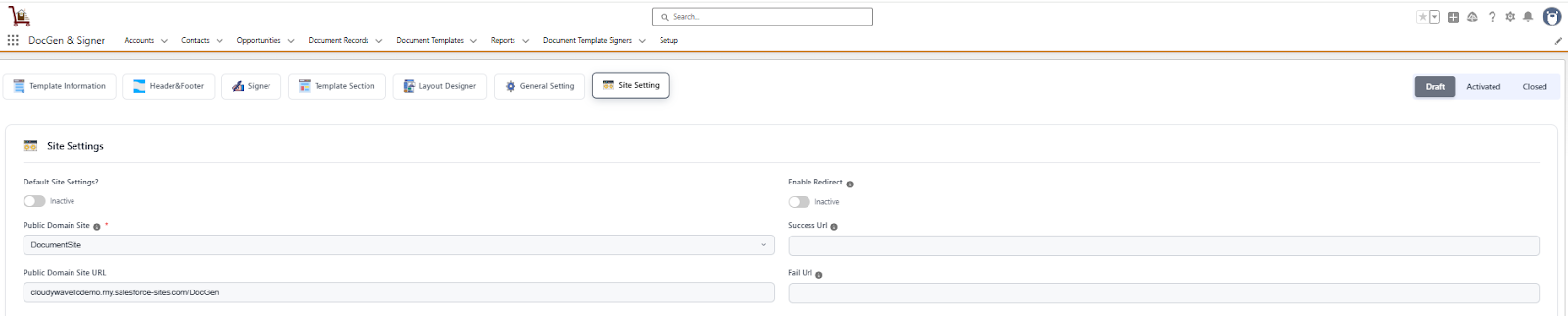
- The default status when a template is first created or edited.
- Active
- Indicates that the template is fully configured and ready for use.
- A template can only be activated if all required details are provided.
- Once activated, the template becomes available in the target object specified in the template and can be used directly for document generation.
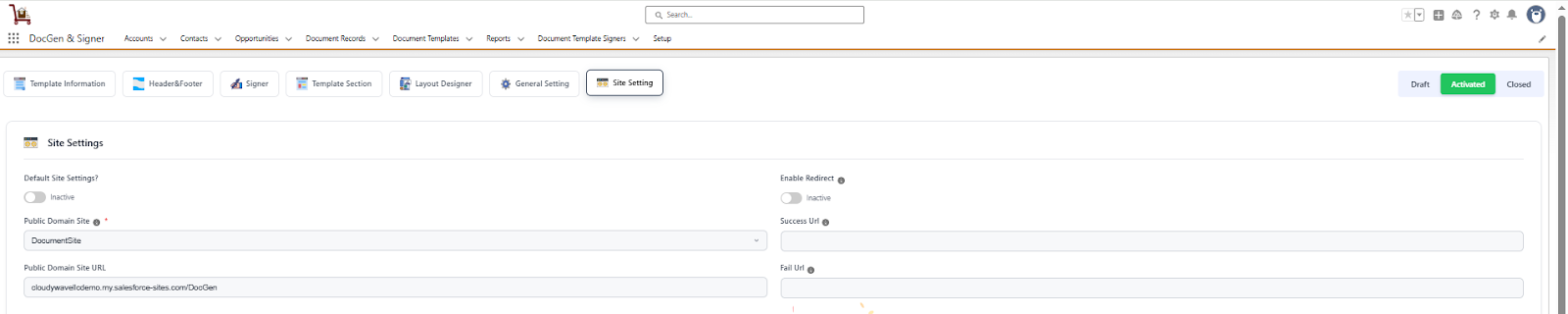
- Indicates that the template is fully configured and ready for use.
- Inactive
- Used to deactivate a template that should no longer be available for use.
- When a template is marked as Closed, it will not appear in the target object or be available for document generation.
- Useful for retiring outdated or obsolete templates while keeping their history for reference.
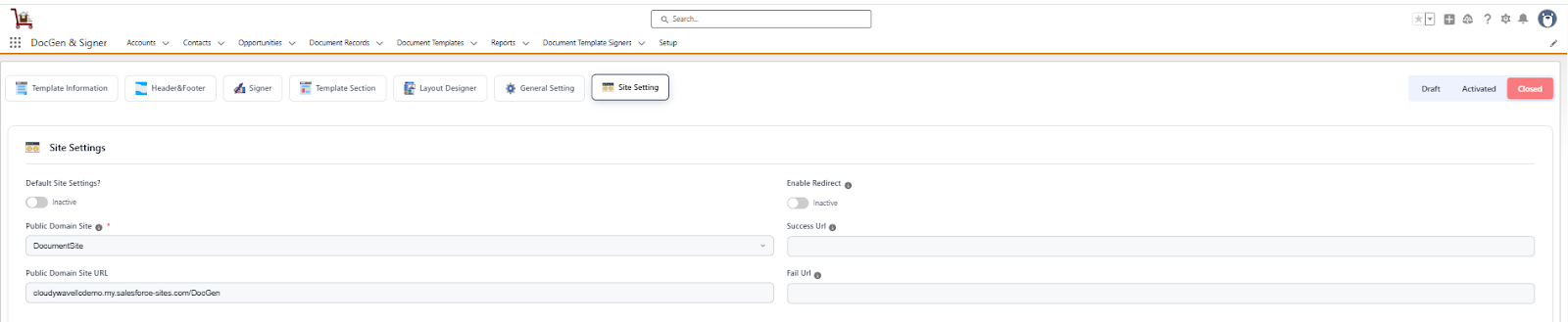
- Used to deactivate a template that should no longer be available for use.
 SEE ALSO :
____👉 Clone Document Template
____👉 Generate Document