





 Salesforce ERP
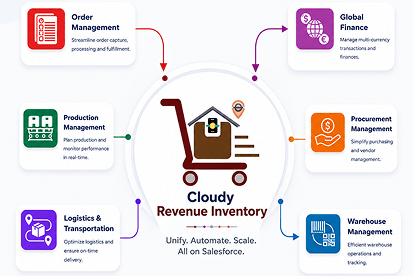
 ERP + CRM Platform
  Inventory Management
  Warehouse Management
  Order Management
  Vendor Management
  Logistics Management
  BOM Management
  Order Fulfillment
  Business Operations
  SaaS Platform for Operations
  Salesforce Cloud ERP Platform
  Xero
Xero
 Zoho books
 Quickbooks
 Shopify
 Acumatica
 SAP
SAP
 Odoo
Odoo
 NetSuite
 Microsoft Dynamics 365
 Sage
Sage



 Agentforce Revenue Management
 Agentforce Revenue Management + Billing
  Salesforce CPQ
 Salesforce Advanced Billing
  Migrate from CPQ to ARM
  Managed Services
 Salesforce Implementation
 Revenue Cloud Implementation
 MuleSoft Integration
 Microsoft
 Data Cloud
 Tableau

Create. Sign. Send. 100% Salesforce Native
Best eSign & PDF Tool for Salesforce - Cloudy DocGen & Signer
Generate PDFs, contracts, and agreements from Salesforce data in seconds. Send, sign, and track documents in one native platform—without third-party tools or data leaving Salesforce.
PDF Templates
Merge Fields
eSignature
Signers
Approvals
Notifications
Live Demo
See the Best eSign & PDF Tool in Action
Book a walkthrough tailored to your Salesforce org — no sales pitch required.
Trusted by Leading Companies
Our Globally 80+ Clients.













Product Demo
Watch Cloudy DocGen & Signer in action
eSign & PDF Generation Features
Explore the powerful features that simplify PDF generation, eSignatures, and document automation in Salesforce.

PDF Document Templates
Create reusable templates with dynamic Salesforce data, branding, and automated document generation.

Document eSignaturesr
Send documents for secure eSignature, track signer status, and manage signing activity in real time.

eSign Workflow Automation
Automate signer orders, approvals, notifications, and document workflows directly within Salesforce.

Dynamic Document Sections
Build flexible documents with dynamic sections, conditional content, merge fields, and Salesforce data.

Salesforce Data Merge
Merge Salesforce records into PDFs automatically for accurate, personalized, and professional documents.
Document Tracking
Track generated documents, signing status, content, and lifecycle activity from one centralized Salesforce record.


Key Features of Cloudy DocGen & Signer

PDF Templates & Document Generation
- + Reusable Templates
- + Multiple Design Approaches
- + Pre-approved Templates

Visual Document Builder
- + Drag-and-Drop Interface
- + Interactive Components
- + Real-Time Formatting
- + Image Integration
- + Visual Layout Control

Electronic Signature (eSign)
- + One-Click Sending
- + Digital Signing Anywhere
- + Sign Documents Anywhere

Document Sending & eSign Workflows
- + Flexible Routing
- + Bulk Sending
- + Automated Notifications
Cloudy DocGen & Signer supports most product-driven industries

Wholesale & Distribution

Retail & eCommerce

Manufacturing & Assembly

Trading & Import-Export

Logistics & Warehousing

Supply Chain & Procurement

Subscription & Order-Based

Industrial & B2B Supply

Consumer Goods & CPG

Electronics & Equipment

Automotive & Parts

Healthcare & Medical Supply

Rental & Asset-Backed

Repair & After-Sales Ops

Construction & Infrastructure

Agriculture & Agri-Supply

Education & Institutional

Specialty & Regulated

Professional Services

Financial Services & Fintech

Energy & Utilities
Our Trusted Partners
Building stronger solutions together with our trusted partners



Security & compliance
Secure eSign & PDF Generation for Salesforce
Cloudy DocGen & Signer runs natively in Salesforce, keeping your documents, signatures, and business data within your trusted CRM environment.

SOC 2 Type II
Independent controls help protect document security, availability, and confidentiality.

256-bit encryption
Protect documents with encryption during transmission and while stored

eSign Compliance Ready
Support electronic signatures aligned with major U.S. and EU requirements.

Immutable audit trail
Track document activity, signatures, edits, and status changes with an audit trail.

Native Salesforce permissions
Use Salesforce users, sharing rules, and permissions to control document access.

Your Data Stays in Salesforce
Keep documents and signature activity inside your Salesforce environment.
AppExchange Security Reviewed
SOC 2 Type II
GDPR compliant
From Salesforce Data to Signed PDF in Minutes
Step 01
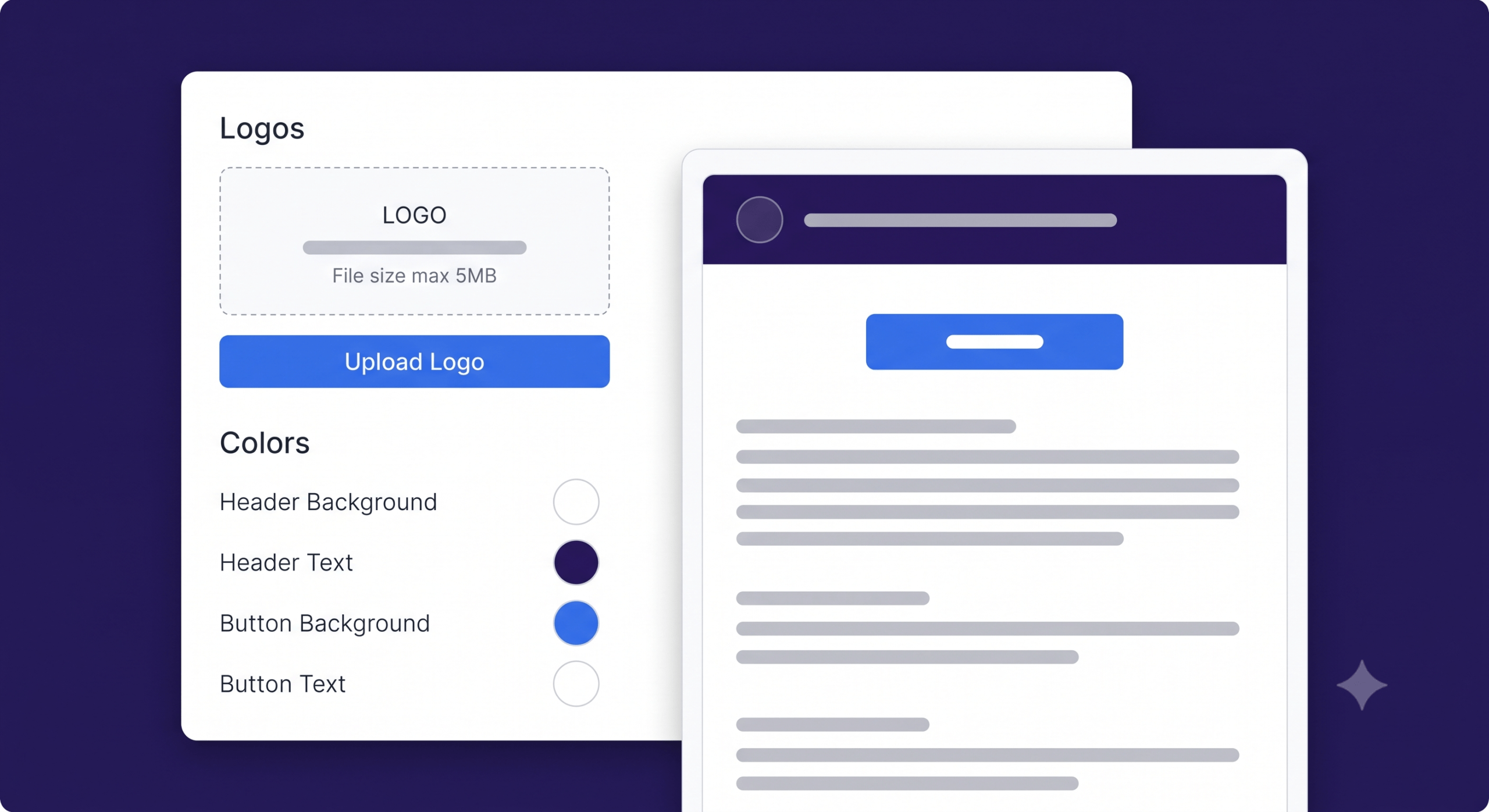
Design Your Template
Create reusable PDF templates with Salesforce data, branding, and dynamic content.
Step 02
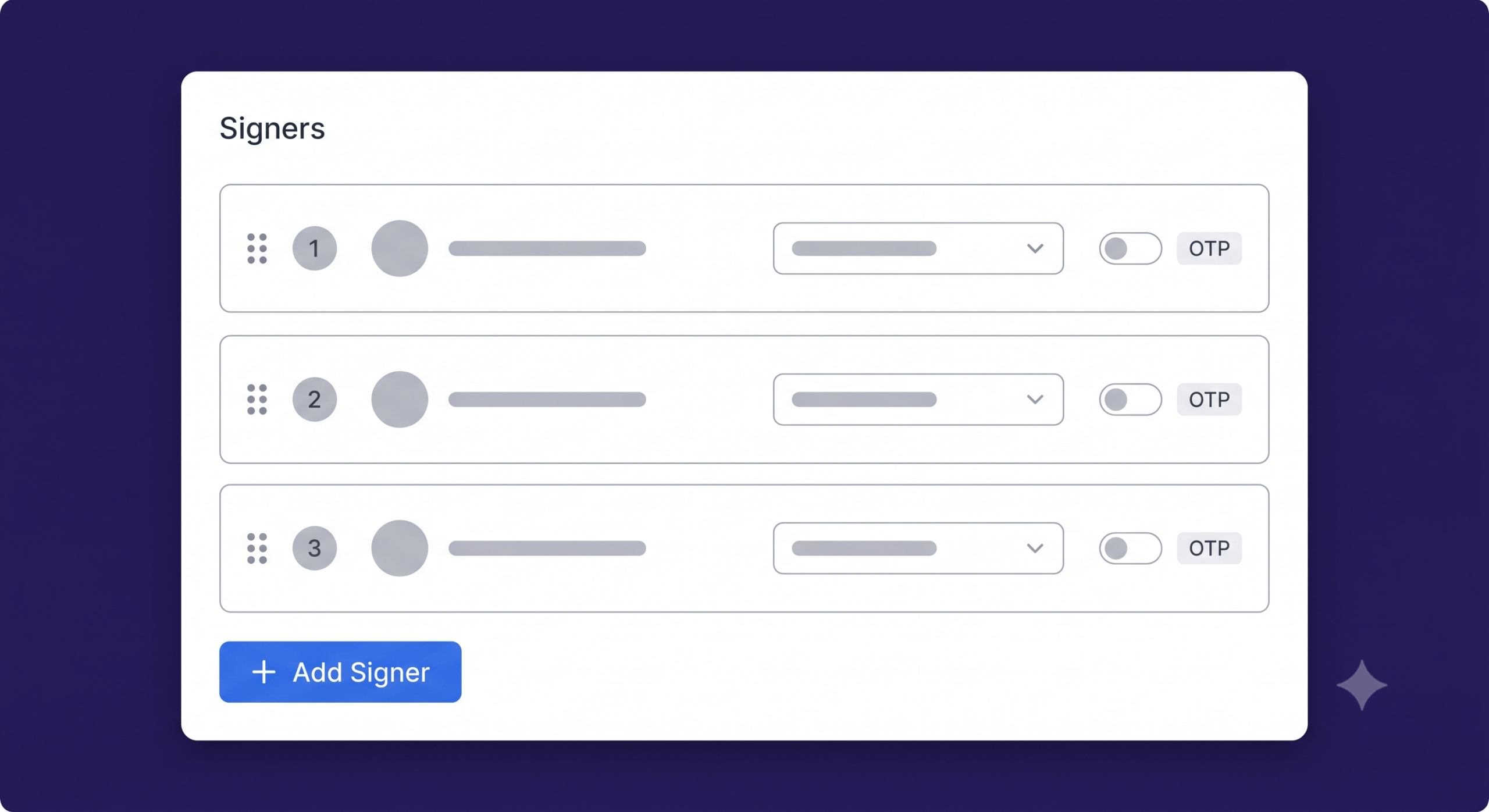
Add eSign & Organization
Configure signers, signing order, approvals, and document fields in Salesforce.
Step 03
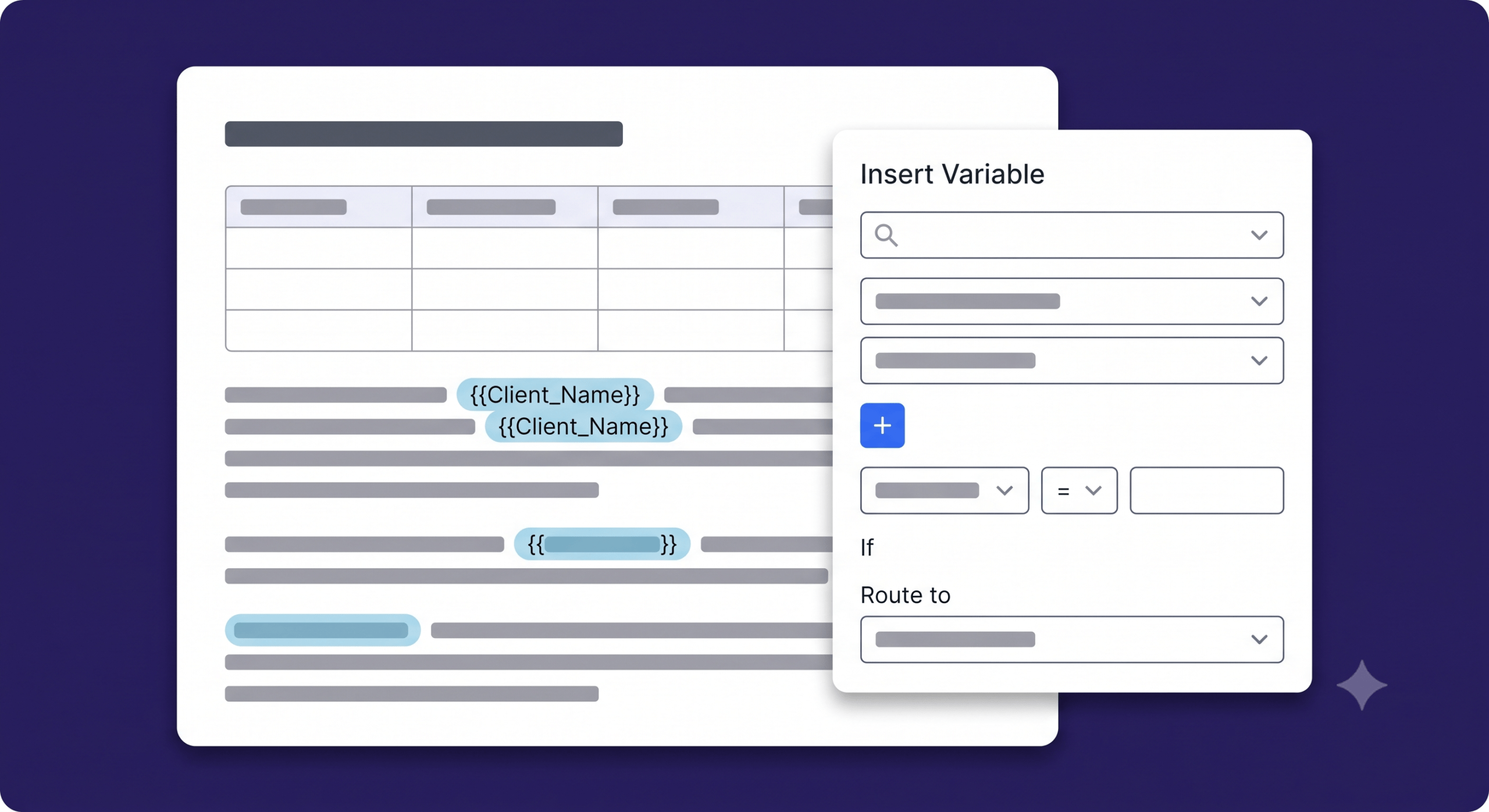
Build Dynamic Content
Use Salesforce data and merge fields to automatically generate personalized PDFs.
Step 04
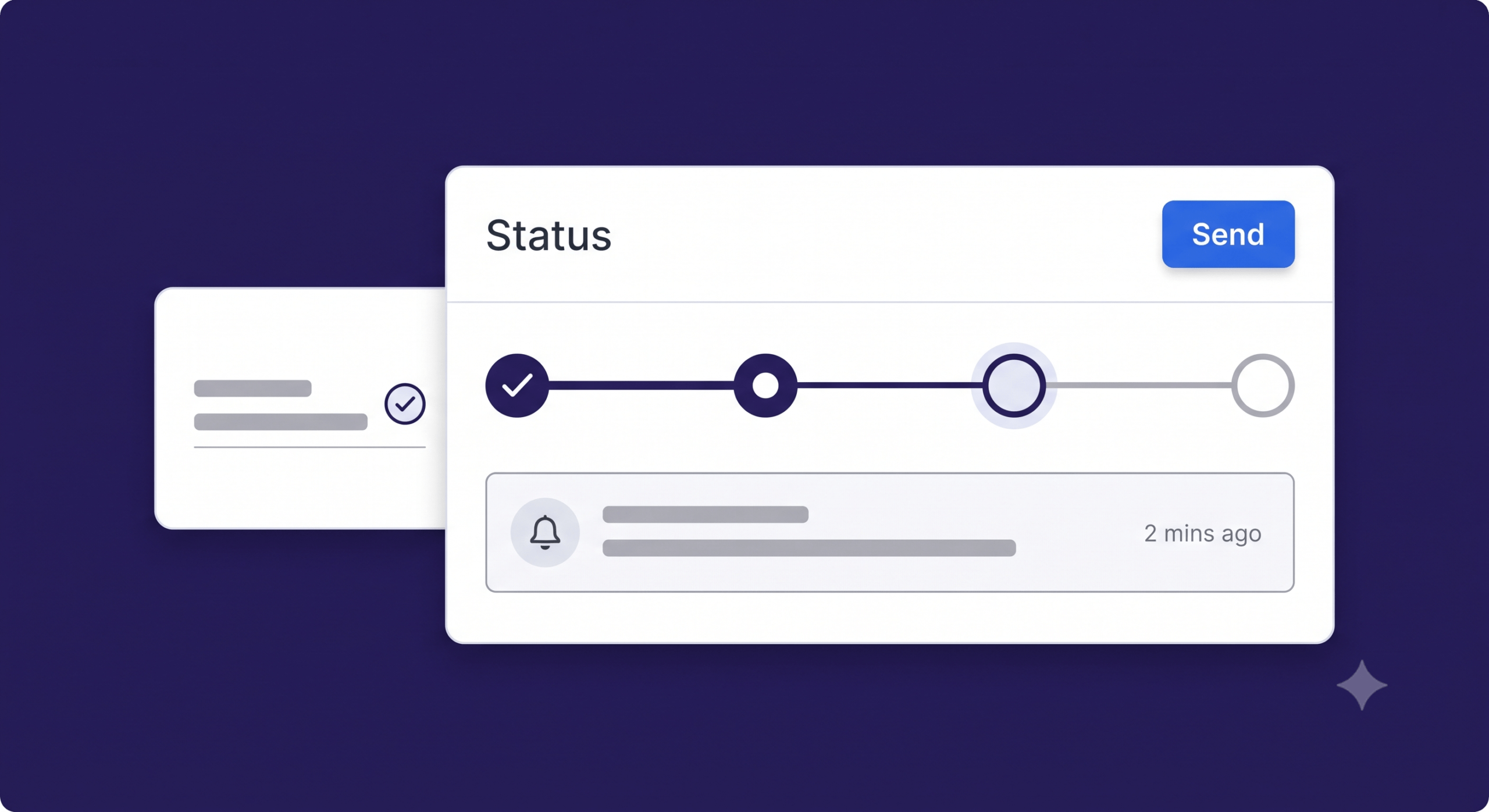
Send, Sign & Stay Notified
Send documents for eSignature, track signing status, and receive automated notifications.
Built for Every Salesforce Business Workflow
Generate, sign, approve, and manage Salesforce documents across every business function.

Sales
(Contracts, Proposals)
Create, customize, and send professional documents that win trust and close deals faster.
- Contracts and proposals
- Quotes and pricing documents
- Renewals and amendments
- E-sign and track in real time

HR
(Onboarding, Policy Docs)
Streamline HR documentation and enhance the employee experience.
- Offer and appointment letters
- Onboarding and employee forms
- Policy acknowledgements
- Secure digital signatures

Legal
(MSAs, NDAs)
Manage legal agreements with accuracy, compliance, and confidence.
- MSAs, NDAs, and agreements
- Compliance and regulatory docs
- Clause-based templates
- Audit-ready document tracking

Ops
(Invoices, Approvals)
Automate operational documents and approval workflows.
- Invoices and credit notes
- Approval and authorization forms
- Purchase orders and requests
- Faster turnaround and accuracy
From Operational Problems
to Cloudy Solutions
Replace manual document workflows with one platform to generate, sign, and track documents.
 Manual Document Creation
 Data Errors & Brand Inconsistency
 Paper-Based Signing
 No Signing Visibility
 Compliance & Security Risks
 One-Click Template Generation
 Auto-Populated Salesforce Data
 Legally Binding eSignature
 Real-Time Tracking & Alerts
 Enterprise-Grade Security + OTP

< 1m
Document generation time

100%
Native Salesforce — no middleware
Zero
Data leaves your Salesforce org

OTP
Verified signing + full audit trail
Simple, transparent pricing
Flexible plans. Transparent pricing. No hidden fees.

Starter Plan
(Free)
$0


Enterprise Plan
(20+ Users)
$12
/per user/month
What’s included:
- Templates: Unlimited
- Web Signature: Unlimited
- Total Active Templates: Unlimited
- Documents Generated: Unlimited
- Interactive Fields: Unlimited
- Signature Reminder: Unlimited
- Custom Related List: Unlimited
- Dynamic Input Auto-filled Related Lists
- One Time Code
- Welcome Page
- Support: Priority Support
- Setup Assistance
i
Note: Paid plans require a minimum of 2 user licenses. Terms & Conditions apply to all plans.
Customization & Add-ons
Have requirements unique to your workflow? Customization and add-on charges are billed separately and determined based on the scope. Cloudy DocGen & Signer provide tailored solutions to fit your needs perfectly.